 English
  Portuguese
  Spanish
  Italian
  Turkish
  French
  German
  Japanese
  Korean
How to Prevent Nozzle Clogging in Desktop UV Printers: A Complete Guide for Stable Production
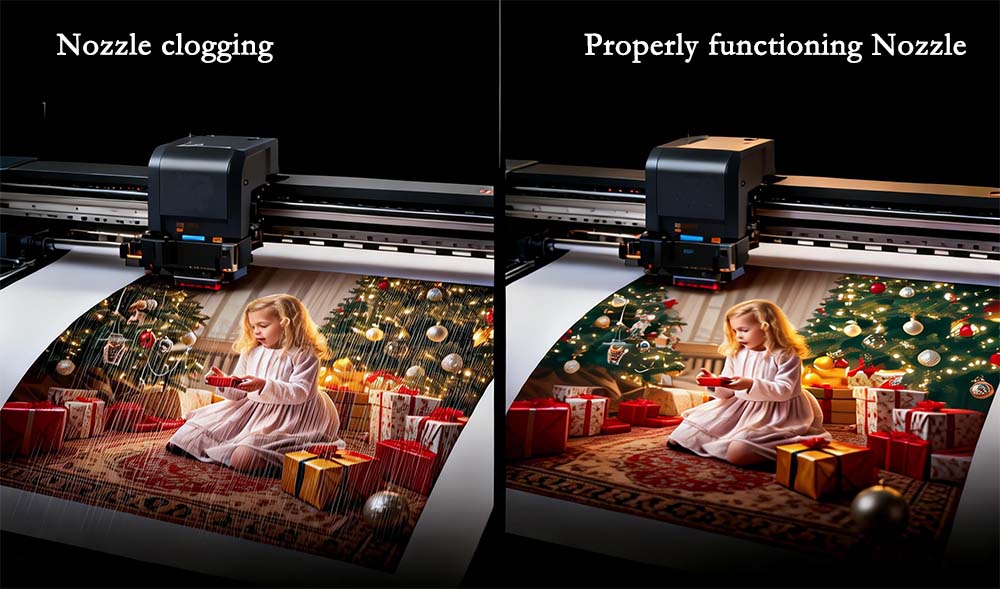
Nozzle clogging is one of the most common and costly problems in desktop UV printing.
For print shops, small businesses, and manufacturers, clogged printheads lead to:
downtime
wasted ink
inconsistent print quality
This guide explains why clogging happens, how to prevent it, and how professional UV printer manufacturers solve it at the system level.
Why Nozzle Clogging Happens in Desktop UV Printers
Ink Drying in Printhead Channels
UV ink cures quickly. If not properly maintained, it can dry inside microscopic nozzles.
Irregular Machine Usage
Desktop users often print intermittently, increasing the risk of ink stagnation.
Low-Quality Ink or Poor Ink Management
Unstable ink formulations lead to sediment and clogging.
Environmental Factors
temperature fluctuations
low humidity
dust contamination
Nozzle clogging is not a single issue — it is the result of ink, environment, and usage habits combined.
The Hidden Cost of Nozzle Clogging (ROI Impact)
Most users underestimate the real cost:
printhead replacement ($300–$1500)
production downtime
wasted materials
delayed delivery
A clogged nozzle is not a technical issue — it is a profit loss problem.
How Professional UV Printer Manufacturers Solve Clogging
Automatic Cleaning Systems
scheduled flushing
pressure-controlled ink flow
White Ink Circulation
Prevents pigment settling — critical for UV systems.
Capping & Moisturizing Systems
Keeps printhead sealed and hydrated when idle.
Stable Ink Supply System
Maintains consistent pressure and prevents air bubbles.
Industrial-grade UV printers are designed to prevent clogging at the system level, not just through maintenance.
Daily Maintenance Tips to Prevent Nozzle Clogging
Print Regularly
Run a small test daily to keep ink flowing.
Control Environment
temperature: 20–28°C
humidity: 65–75%
Use High-Quality UV Ink
Avoid cheap or incompatible ink.
Perform Scheduled Cleaning
Follow manufacturer guidelines — not over-cleaning.
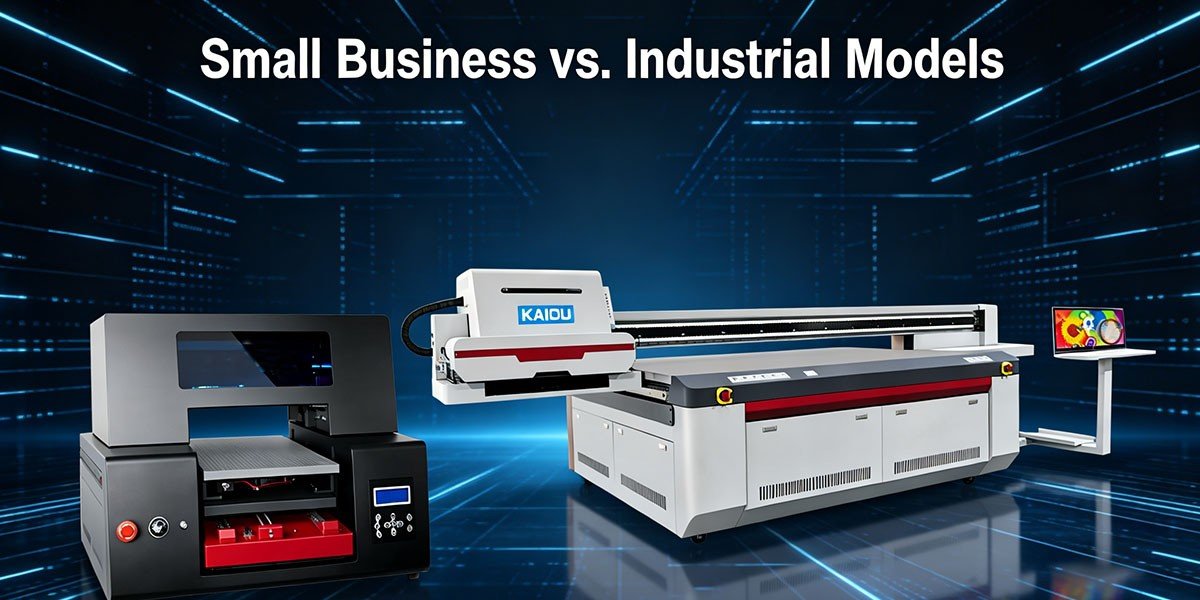
Desktop vs Industrial UV Printers: Which Is More Stable?
| Factor | Desktop UV Printer | Industrial UV Printer |
|---|---|---|
| Maintenance | Manual | Automated |
| Stability | Medium | High |
| Clogging Risk | Higher | Lower |
| Production Use | Intermittent | Continuous |
If your business relies on consistent output, industrial systems significantly reduce clogging risks.
👉 :
How to Reduce Printhead Replacement Costs
Strategy 1: Preventive Maintenance
Lower long-term repair costs.
Strategy 2: Use Stable Equipment
Machines with circulation systems reduce failure rates.
Strategy 3: Optimize Production Workflow
Consistent printing reduces clogging probability.
Strategy 4: Invest in a Desktop UV Printer with Automatic Printhead Cleaning
One of the most effective ways to reduce printhead replacement costs is to choose a desktop UV printer equipped with an automatic printhead cleaning system.
Unlike manual maintenance, automated cleaning ensures that:
ink flows regularly through the nozzles
dried ink is removed before clogging occurs
maintenance cycles run consistently without human error
Competitive Analysis: Why Many Desktop UV Printers Fail
Most low-cost machines:
lack white ink circulation
have weak sealing systems
rely on manual maintenance
👉 result in:
frequent clogging
unstable production
high maintenance cost
Channel Strategy: Who Needs This Solution?
Print Shops
Need stable output and reduced downtime
Etsy / Amazon Sellers
Need consistent quality for small batch production
OEM Manufacturers
Need reliable production systems
FAQ – UV Printer Nozzle Maintenance
Q1: How often should I clean my UV printhead?
A1: Light cleaning daily, deep cleaning as needed.
Q2: Can clogged nozzles be fully recovered?
A2: Sometimes, but severe clogging may require replacement.
Q3: What is the best way to prevent clogging?
A3: Regular use, proper environment, and stable ink systems.
Conclusion: Stability Is the Real Productivity
Preventing nozzle clogging is not just maintenance — it is a strategic decision.
Choosing the right equipment and workflow can:
reduce downtime
lower costs
improve output quality
Recent Posts
-
 Fortune 500 Factory Case: How Our UV Printers Improve Quality and Reduce Costs
On January 23, 2026, our engineering team conducted a proactive on-site visit to one of our long-term Fortune 500 partners. Unlike typical supplier visits, this was a preventive maintenance and performance inspection, ensuring that all equipment continues to operate at peak efficiency.
01/23/2026
-
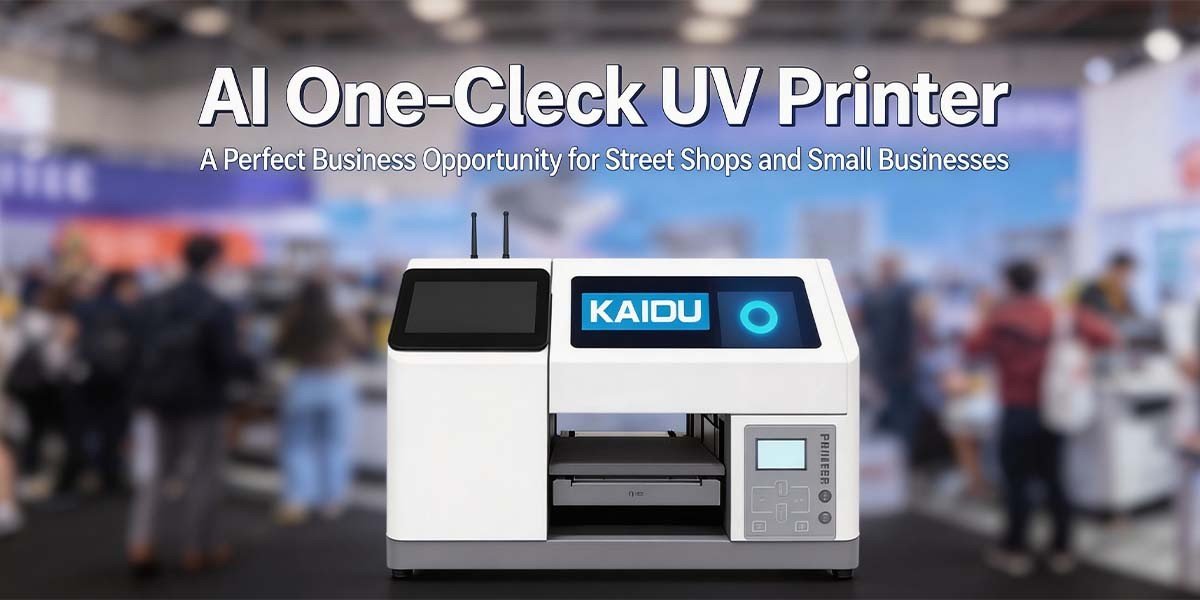 KAIOU at DPES 2026: New AI One-Click UV Printer & Industrial Solutions
2026 DPES Guangzhou International Advertising Exhibition: KAIOU Showcases UV Printing Innovations and New AI One-Click Printing System
03/12/2026
-
 TOP 10 UV Printer Manufacturers: 2025 Ultimate Guide
In 2025, UV printing technology continues to empower businesses with affordable, multifunction, and high quality printing solutions. Whether you are a startup looking for personalized product customization or a large-scale manufacturer requiring industrial-grade output, choosing the right UV printer is critical for better prints, fewer breakdowns, and faster ROI.
01/22/2026
-
 How to Choose an Industrial UV Printer for a Mid-Size Factory (2026 Guide)
Introduction: The Strategic Value of UV Printers in Modern Manufacturing For mid-size factories aiming to scale production while maintaining quality, selecting the right industrial UV printer is a decision that directly impacts operational efficiency, product diversification, and ROI. In 2026, advancements in UV printing technology—coupled with growing demand for high-precision, eco-friendly solutions—have made this choice more critical than ever. This guide breaks down the essential factors to consider, ensuring your investment aligns with both current needs and future growth.
03/04/2026
-
-
-
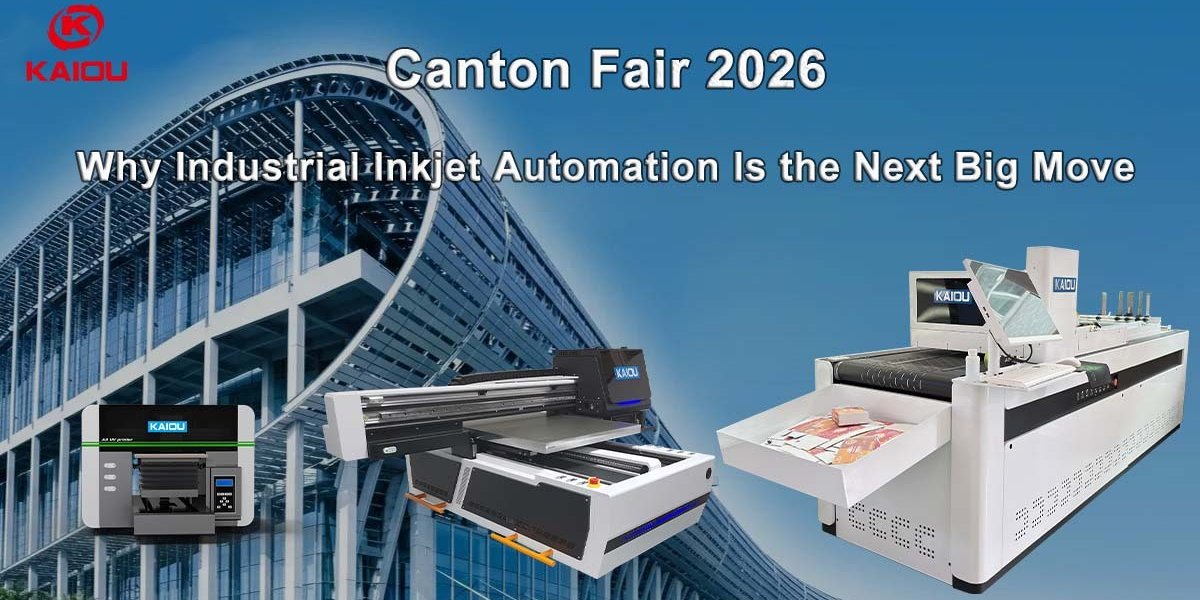 Best Printing Machines at Canton Fair 2026: Why Industrial Inkjet Automation Is the Next Big Move
The Canton Fair 2026 Phase 1 (April 15–19) showcased a clear trend: industrial automation in inkjet printing is accelerating worldwide. From UV printers to high-speed one-pass systems, global buyers are no longer just sourcing products—they are investing in production technology to reduce costs, improve efficiency, and enable on-demand manufacturing. In this article, we break down the most popular printing machines at Canton Fair 2026, why buyers are shifting toward automation, and how you can apply these solutions to your own business.
04/20/2026
-
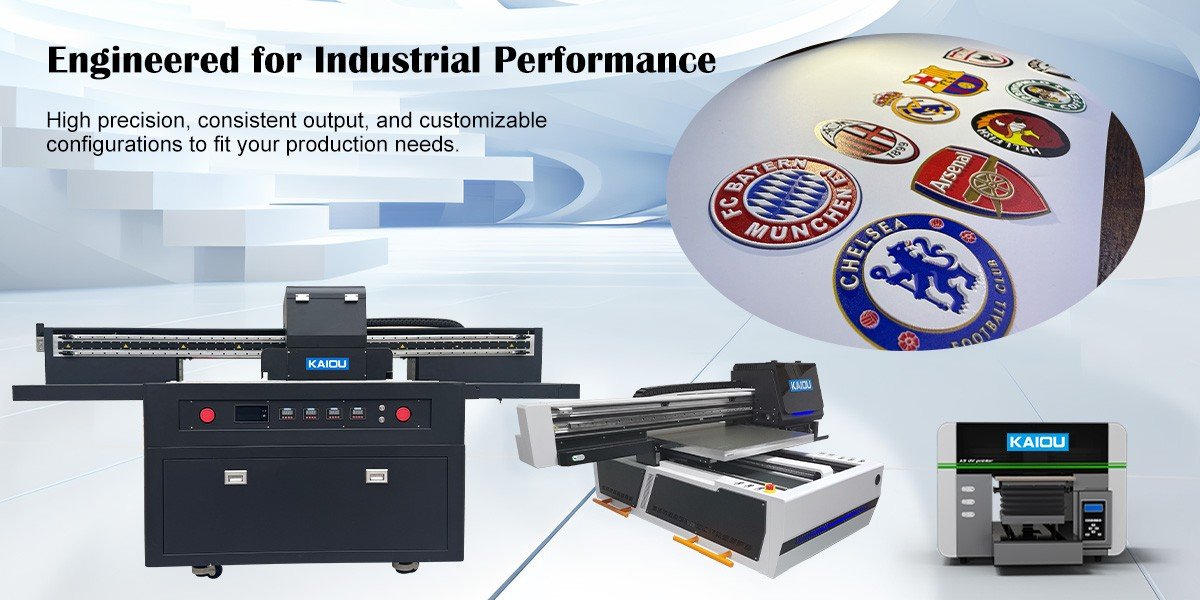 Experience the Next Level of Printing with KAIOU UV Printer’s 3D Embossing Effect
In the world of modern printing, visuals are no longer enough — people want texture they can see and feel. KAIOU UV printers bring your designs to life with a high-precision 3D embossing effect, creating stunning raised textures with exceptional clarity. Whether you’re making luxury crafts or transferring designs onto apparel, KAIOU offers the solution.
08/08/2025
-
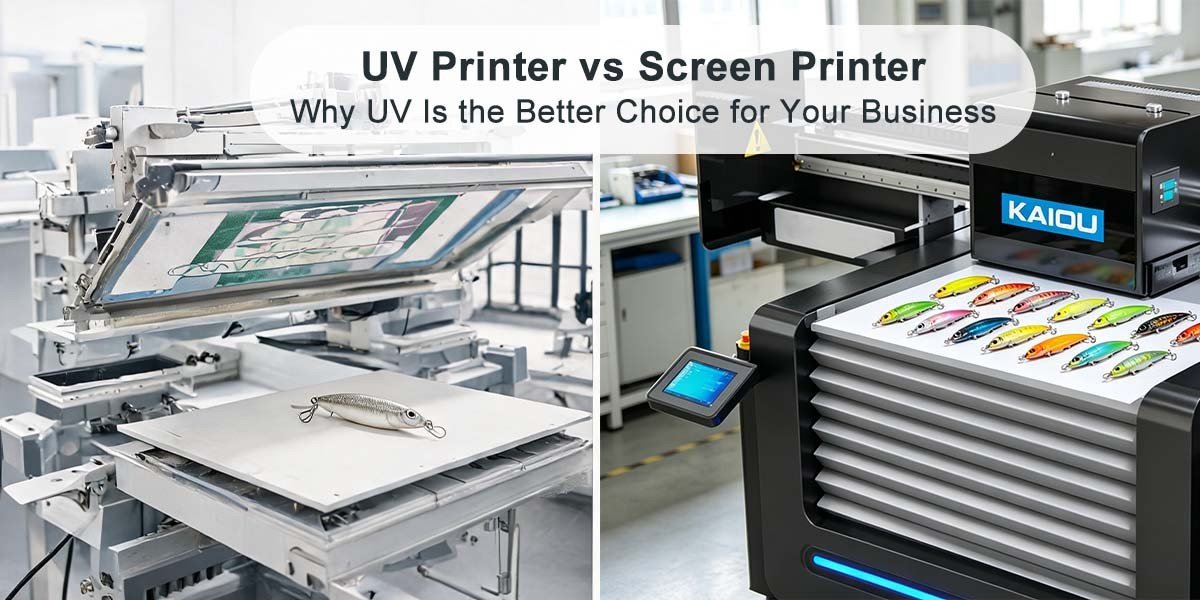 UV Printer vs Screen Printer for Fishing Lure Printing: Why UV Is the Better Choice for Your Business
Fishing lure manufacturers and tackle product suppliers face one common production dilemma: great lure design ideas cannot be perfectly printed, and profitable small-batch custom orders are constantly lost. For decades, screen printing has been the mainstream printing method for hard lures, soft baits, and fishing tackle accessories. It is true that screen printing delivers fast single-color mass printing speed, but for today’s fishing gear market dominated by Amazon stores, independent e-commerce sellers, and personalized customized orders, traditional screen printing has become a costly, time-wasting, and profit-killing production bottleneck for fishing lure UV printing.
05/20/2026
-